Engineering Ops Harness: Turning Content Releases into Deterministic, Auditable Deploys
A practical, environment-proof QA harness for blog/content changes—schema, build, links, assets, and telemetry—so publishing is boring (in the best way).
Engineering Ops Harness: Turning Content Releases into Deterministic, Auditable Deploys
March 3, 2026
Most teams treat content changes as “safe”: a markdown edit here, an image swap there.
In practice, content releases can break production just as reliably as code:
- A single broken internal link can tank UX and SEO.
- A missing image file can ship a broken page.
- A subtle frontmatter/schema mismatch can break builds.
- A preview environment can hide issues that only appear in a clean build.
So we built an engineering ops harness for content—an environment-proof, repeatable QA flow that makes publishing deterministic and auditable.
What we mean by “harness”
A harness is a small set of commands and checks that:
- Establishes known inputs (what changed)
- Runs hard gates (build + schema + link/assets integrity)
- Produces telemetry (logs + artifacts) so failures are easy to debug
- Ends with a clear verdict: GO / NO-GO
The goal isn’t bureaucracy. The goal is: if it ships, it’s because it passed known gates.
Security note (read this before copying commands)
This post intentionally avoids sensitive infrastructure fingerprints.
- Any hostnames, tokens, ports, or internal paths are omitted.
- Commands are written to run against a local repo checkout and build output.
- If you adapt this harness in your org, treat logs as potentially sensitive and store them accordingly.
The pipeline at a glance
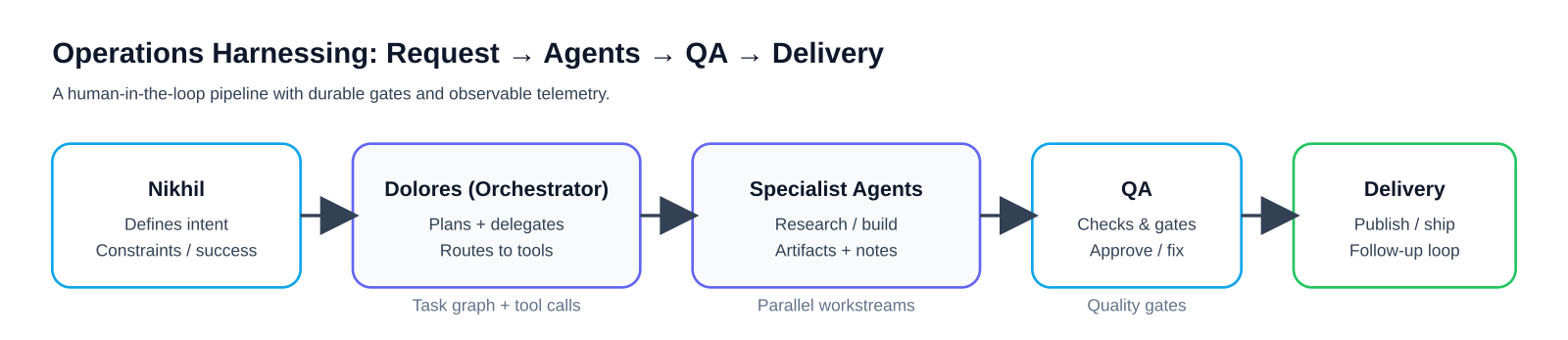
At a high level, the harness is designed around determinism:
- Use a clean dependency install (
npm ci) to avoid lockfile drift. - Validate the content schema before build.
- Validate the built output (HTML + XML), not just source files.
Step 0: Establish the inputs
A harness can’t be deterministic if the inputs are fuzzy.
Minimum inputs:
- Which branch/PR is being reviewed
- The list of changed files
- The exact commands used (captured in logs)
Example:
# In a fresh clone or a clean workspace
# (Use your own PR checkout workflow)

git diff --name-only origin/main...HEAD

# Optional: filter down to content-ish changes
git diff --name-only origin/main...HEAD \
  | rg -n "^(src/content/|public/|src/assets/).*(\\.mdx?|\\.(png|jpe?g|gif|webp|svg))$" || true
Step 1: Hard gates (must pass)
Hard gates are checks that should block publishing.
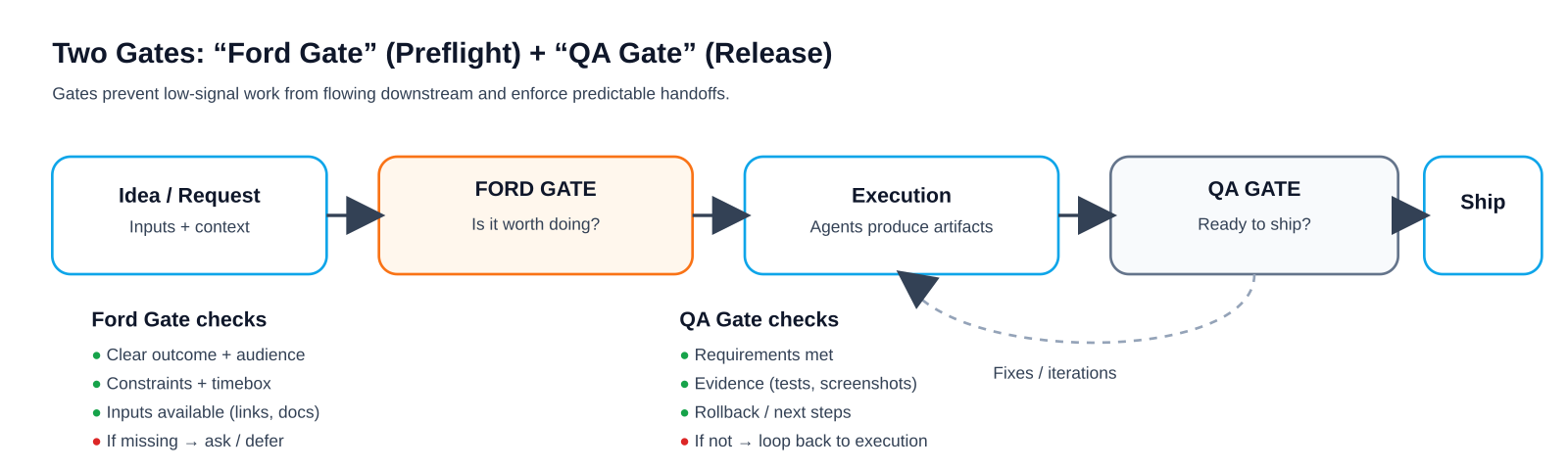
Gate A — Install deterministically
npm ciIf this fails, you don’t have a reproducible build.
Gate B — Schema check (content collections)
For Astro content collections (or any typed content system), validate schema early:
npm run astro checkGate C — Build
npm run buildA content PR that breaks the build is still a production incident—just slower.
Gate D — Dist-level link integrity (0 broken internal links)
This check intentionally runs on dist/ so it matches what you ship.
set -euo pipefail

# Notes:
# - This only checks absolute internal links (href="/...") in built HTML.
# - It strips query strings + fragments so "/docs?x=1#y" resolves correctly.

broken=0
while IFS= read -r file; do
  while IFS= read -r link; do
    # Drop query string / fragment (if present)
    path="${link%%#*}"
    path="${path%%\?*}"

    if [[ "$path" == "/" ]]; then
      target="dist/index.html"
    elif [[ "$path" == */ ]]; then
      target="dist${path}index.html"
    elif [[ "$path" == *.* ]]; then
      target="dist${path}"
    else
      target="dist${path}/index.html"
    fi

    if [[ ! -f "$target" ]]; then
      echo "BROKEN: $link (from $file) -> $target"
      broken=$((broken+1))
    fi
  done < <(rg -o 'href="/[^"]*"' "$file" | cut -d'"' -f2)

done < <(find dist -name "*.html")

echo "Broken internal links: $broken"
[[ "$broken" -eq 0 ]]
Gate E — RSS + sitemap XML well‑formed
set -euo pipefail

xmllint --noout dist/rss.xml

# If your build doesn't emit sitemaps in some modes, avoid glob failures.
shopt -s nullglob
for sitemap in dist/sitemap*.xml; do
  xmllint --noout "$sitemap"
done
Gate F — Local image references exist
Broken images are one of the most common “content-only” failures.
set -euo pipefail

missing=0
while IFS= read -r file; do
  while IFS= read -r img; do
    # Skip external URLs
    if [[ "$img" =~ ^https?:// ]]; then
      continue
    fi

    candidates=(
      "public/${img#/}"
      "src/${img#/}"
      "src/assets/${img#/assets/}"
    )

    ok=0
    for c in "${candidates[@]}"; do
      if [[ -f "$c" ]]; then ok=1; break; fi
    done

    if [[ "$ok" -ne 1 ]]; then
      echo "MISSING IMG: $img (in $file)"
      missing=$((missing+1))
    fi
  done < <(rg -o '!\[[^\]]*\]\([^)]*\)' "$file" | sed -E 's/.*\(([^)]*)\).*/\1/')

done < <(find src/content -type f \( -name "*.md" -o -name "*.mdx" \))

echo "Missing local images: $missing"
[[ "$missing" -eq 0 ]]
Step 2: Content-quality gates (still “must pass”)
Not everything fits into schema.
We enforce a few human-facing requirements:
- Required frontmatter exists (
title,description,publishDate,author) - No placeholder copy ships (“TODO”, “TBD”, “lorem ipsum”)
Example gate (changed files only):
set -euo pipefail

changed=$(git diff --name-only origin/main...HEAD | rg "\\.(md|mdx)$" || true)

missing=0
placeholders=0

for file in $changed; do
  echo "=== $file ==="

  # Frontmatter: require the keys to appear near the top.
  required=(title description publishDate author)
  for k in "${required[@]}"; do
    if ! head -60 "$file" | rg -q "^${k}:"; then
      echo "MISSING FRONTMATTER: ${k}: ($file)"
      missing=$((missing+1))
    fi
  done

  # Placeholder copy (tune to your org).
  if rg -n "\\b(TODO|TBD|lorem ipsum)\\b" "$file"; then
    placeholders=$((placeholders+1))
  fi

  echo

done

echo "Frontmatter missing: $missing"
echo "Files with placeholders: $placeholders"
[[ "$missing" -eq 0 ]]
[[ "$placeholders" -eq 0 ]]
Step 3: Telemetry (the harness is only as good as its artifacts)
A pass/fail result is useful.
A pass/fail result with artifacts is what makes the system scale.
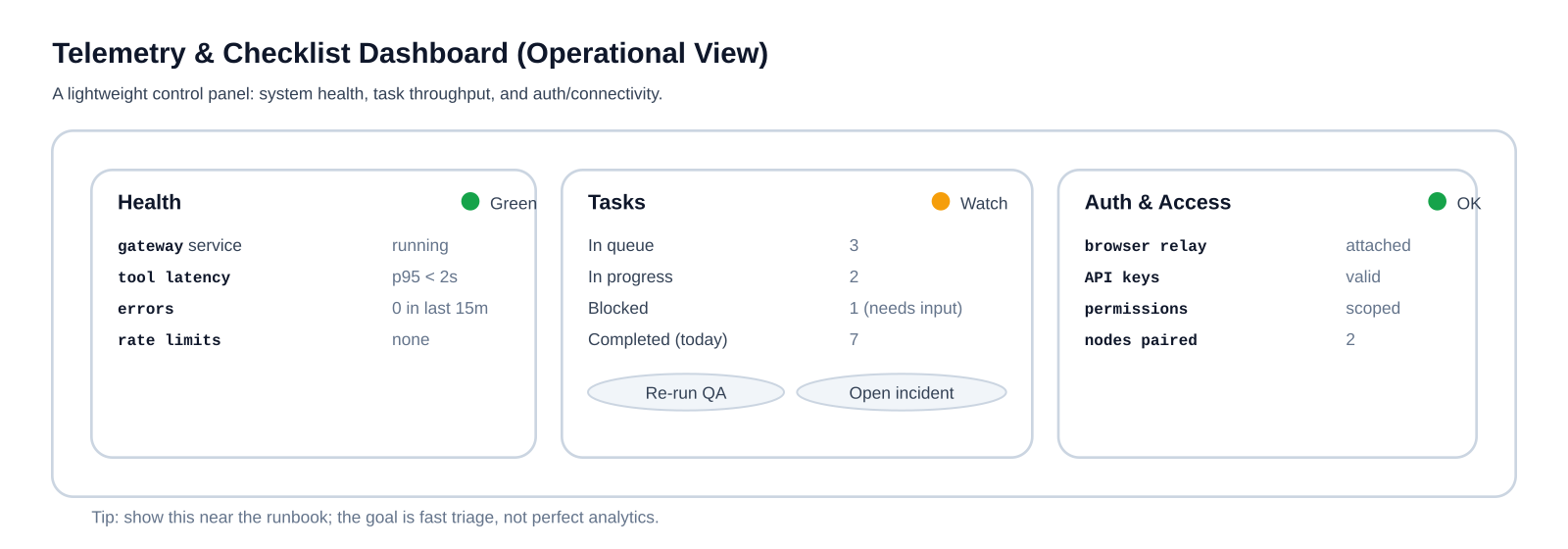
Minimum bundle:
qa-run.log(stdout/stderr from the harness)changed-files.txtdist/rss.xmlanddist/sitemap*.xml
Example:
mkdir -p qa-artifacts

git diff --name-only origin/main...HEAD > qa-artifacts/changed-files.txt

(
  set -x
  npm run astro check
  npm run build
) 2>&1 | tee qa-artifacts/qa-run.log

cp -f dist/rss.xml qa-artifacts/ 2>/dev/null || true
cp -f dist/sitemap*.xml qa-artifacts/ 2>/dev/null || true
Step 4: The memory loop (prevent repeat failures)
The last step isn’t technical—it’s operational.
When something fails, we write down:
- Verdict: pass/fail
- Primary failure mode (schema/build/links/assets/frontmatter)
- Fix required (one sentence)
- Prevention (what check/template would have caught it earlier)
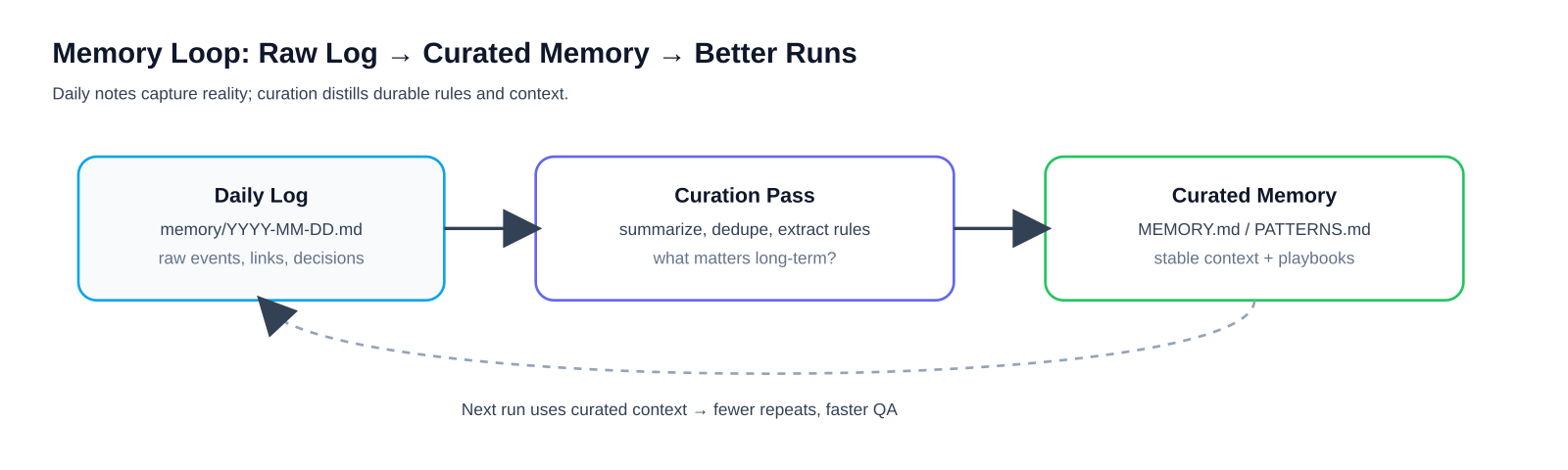
This is how a harness goes from “a script” to “a system.”
Why this works
Three principles make the harness reliable:
- Run clean (fresh install, predictable build)
- Validate the output (
dist/), not just the source - Capture artifacts so debugging doesn’t depend on tribal knowledge
If you do only one thing: add dist-level link checks and missing image detection. Those two catch an outsized fraction of content regressions.
Appendix: A minimal Definition of Done
A content PR is QA-cleared when:
npm cisucceedsnpm run astro checksucceedsnpm run buildsucceeds- Internal links in
dist/**/*.htmlhave 0 breakage - RSS + sitemap XML are well-formed
- No missing local images referenced by content
- A telemetry bundle exists with logs + changed files + key outputs
If you want to adapt this to your stack (Next.js, Hugo, custom pipelines), the same structure applies: known inputs → hard gates → artifacts → verdict.